#passkeys

25 posts · Last used 3h

Replying to
@rmondello@hachyderm.io I find the #attestation part of that article is actually fair in some aspects. Hardware attestation seems fundamentally #antiuser to me and is typically done via #closedsource #security theater. And I'm not the only one: https://www.gnu.org/philosophy/can-you-trust.html While #TOTP is fishable, and the article is weaker for not acknowledging it, I think there is a point to be made that it still is a useful defense against other threat models and has therefore arguably more than zero increased value - whether that makes it "great" or not. Some of us are of the opinion that if #passkeys aren't some trusted computing scheme, perhaps hardware #DRM shouldn't be part of the standard. Beyond at most cheap separate portable hardware key dongles (and even those seem questionable to me as a possibly enforced item). Yet #TPM attestation is in there: https://www.w3.org/TR/webauthn-2/#sctn-tpm-attestation I also find the claim that the writer of the article isn't "understanding the topic being discussed" is weakening your points! Nevertheless, your insight was useful and I appreciate you entering the discussion. #security #TOTP #passkeys
0
0
0
0
The FIDO Alliance publishes certificates for "Device attestation" for Passkeys through something called the FIDO Metadata Service(MDS). The idea here is that a service can restrict the use of passkeys to certain vendors. (One can argue whether that's a problematic, user-hostile feature to begin with.) Looking through the certificates, we find this "interesting" cert: "CN=FIDO2 Enterprise Attestation BATCH KEY prime256v1, emailAddress=tools@fidoalliance.org, O=FIDO Alliance, OU=Authenticator Attestation, C=US, ST=MY, L=Wakefield" Its Issuer looks even more interesting: "CN=FIDO2 Enterprise Attestation TEST ROOT, emailAddress=tools@fidoalliance.org, O=FIDO Alliance, OU=CWG, C=US, ST=CA, L=Mountain View" It's not the only one in there that implies it's some form of "test" cert. However, this one is particularly interesting, as... it's also, apparently, using a "test" private key, which you can find here: https://github.com/fido-alliance/conformance-test-tools-resources/blob/main/docs/FIDO2/Authenticator/README.md In case you want to pretend that you're building a "KQC QuKey Bio FIDO2 Authenticator", that may come in handy. It's not the only odd issue in that list, there are also plenty of certs with encoding errors. See, e.g.: https://github.com/fido-alliance/fido-device-onboard-feedback/issues/5 (Found together with @duesee@norden.social ) #0day #passkeys #fido

35
5
33
0
Replying to
@14mission@sfba.social @morgan@sfba.social for reference: "From February 1, 2027, Microsoft-provided telecom delivery for SMS and voice will be retired for all users except Global Administrators and external users. For Global Administrators and external users, Microsoft-provided SMS and voice authentication will be retired on July 1, 2027." https://learn.microsoft.com/en-us/entra/identity/authentication/concept-sms-voice-retirement #Microsoft #EntraID #MFA #Passkeys #SMS
1
0
0
0
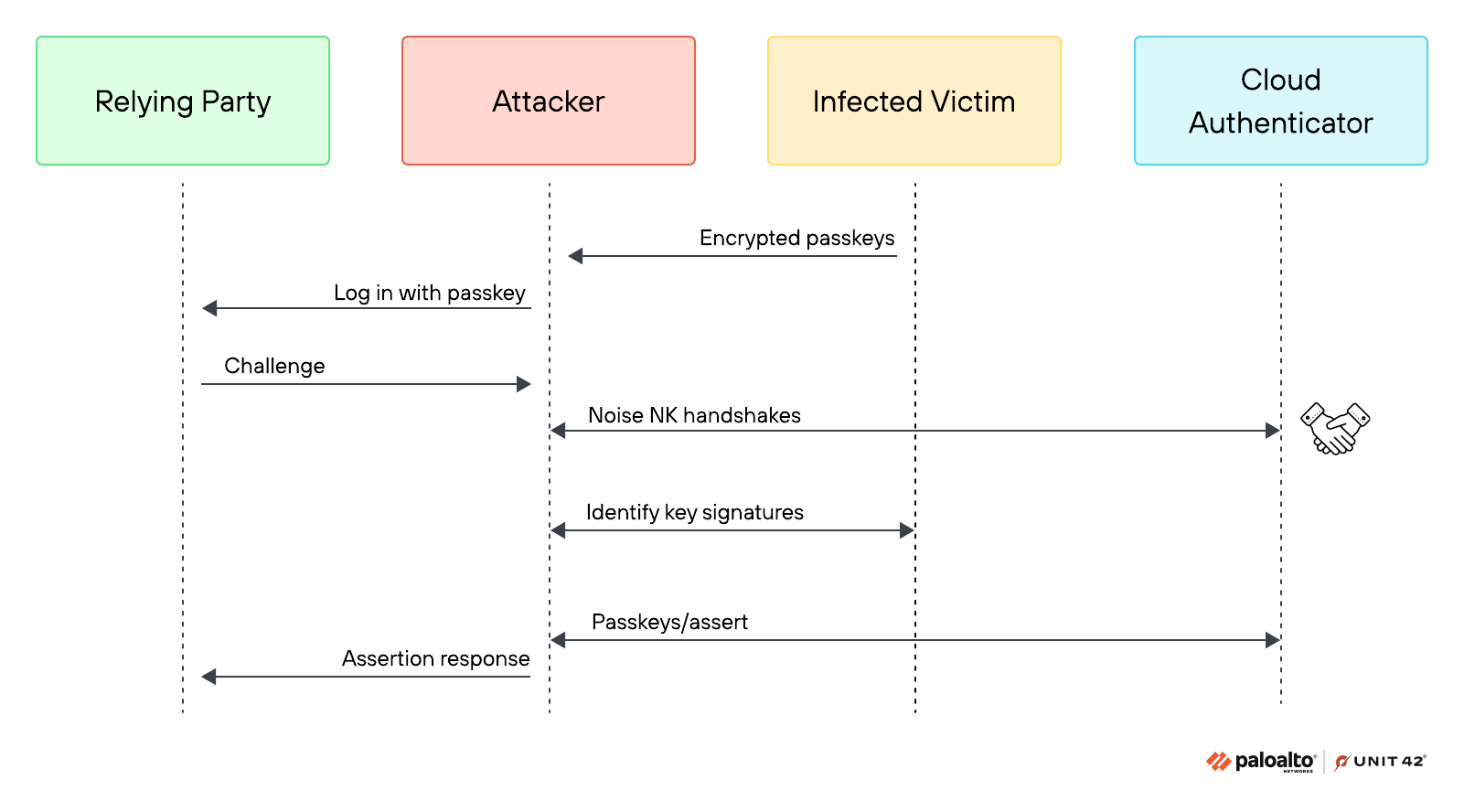
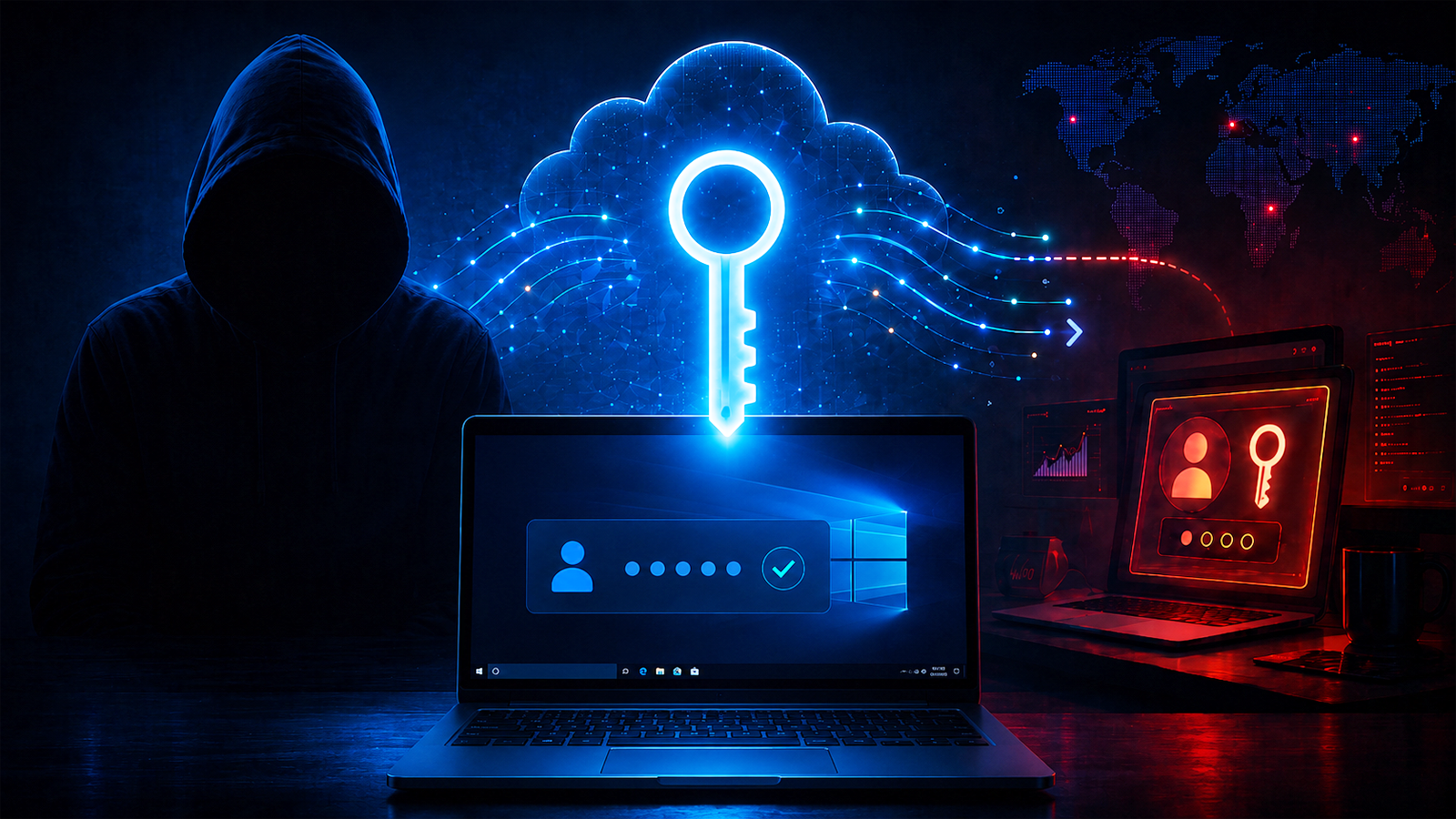
Mit #PassTaKey wurden 3 schwere Sicherheitslücken in Verbindung mit #Google #Chrome und #Passkeys veröffentlicht, die unter #Windows eine komplette Übernahme aller Passkeys ermöglichen. Inwiefern sich das Risiko einer fehlerhaften Softwareimplementierung kompensieren lässt, habe ich auf meinem Blog beschrieben: Authentifizierung mit FIDO2 und Passkeys https://karl-voit.at/FIDO2-vs-Passkeys/ Kurz: nach wie vor ist das non-plus-ultra ein bis zwei #FIDO2 Hardware-Tokens: Ziemlich sicherer Schutz gegen #Phishing, wohingegen Passkeys leider nicht immer helfen, obwohl es fälschlicherweise oft anders behauptet wird. #20241005_FIDO2VsPasskeys #publicvoit #Authentifizierung #TOTP #GoogleAuthenticator #MicrosoftAuthenticator #Sicherheit
1
0
1
0
Friends, I need some help and advice. Microsoft recently announced retirement of Microsoft-provided SMS and voice authentication in Entra ID. Of course, "good", you say -- me, too. But I'm working with an organization that has some extremely non-techie employees, and I've got to figure out the easiest path to help them get properly on-boarded with Passkeys. Microsoft Authenticator seems to support Passkeys natively (the key is stored IN MS Authenticator). Is this the best way to do this? My non-techie users are primarily mobile phone users on Exchange Plan 1 (no "fat" client). Help! #passkeys #webauthn #fido #microsoft #mfa #lazyweb #help References: https://www.microsoft.com/en-us/security/blog/2026/07/13/microsoft-entra-id-security-updates-passkeys-are-the-default-authentication-method-in-entra-id/ https://mc.merill.net/message/MC1426371
0
0
0
0
Two of my banks recently implemented #passkeys, and the contrast between them is stark. I went to log in to one and they wouldn’t let me in until I “verified my identity” using a text message code to a phone number they apparently got from some data broker or by uploading my government ID and a video (obviously not happening). When I eventually got their support to let me in, the site forced passkey setup with no options at all. There’s no way to set up more than one passkey, no way to revoke access from the one I set up, and no way to log in via password anymore. They made every single decision in the most incorrect way possible. Utter garbage. Unfortunately, they’re the only option available to me for the particular account I have, so I’m stuck with them. Meanwhile, Wealthfront reopened a support ticket I filed years ago requesting passkey support to let me know they had added it. I logged in with a password, and the site offered to set up a passkey. In my user profile’s authentication page, there’s a section listing all my passkeys (and app-specific password names, etc.). It allows me to specify friendly names to track which is which, add more, and remove keys I no longer control. It’s pretty much perfect! #passkey #webauthn

6
0
2
0